Attendance software with fingerprint devices and guardian SMS.
Students punch in on a ZKTeco device at the gate and the attendance is on their record before they reach the classroom. Guardians of absent students get an SMS. Classes without a device can mark attendance by session instead.
No card needed. Your data stays even if the trial ends.
ZKTeco devices at the gate
Connect a ZKTeco fingerprint or face device that supports cloud (ADMS) push. Punches arrive live, and you can pair an IN device with an OUT device.
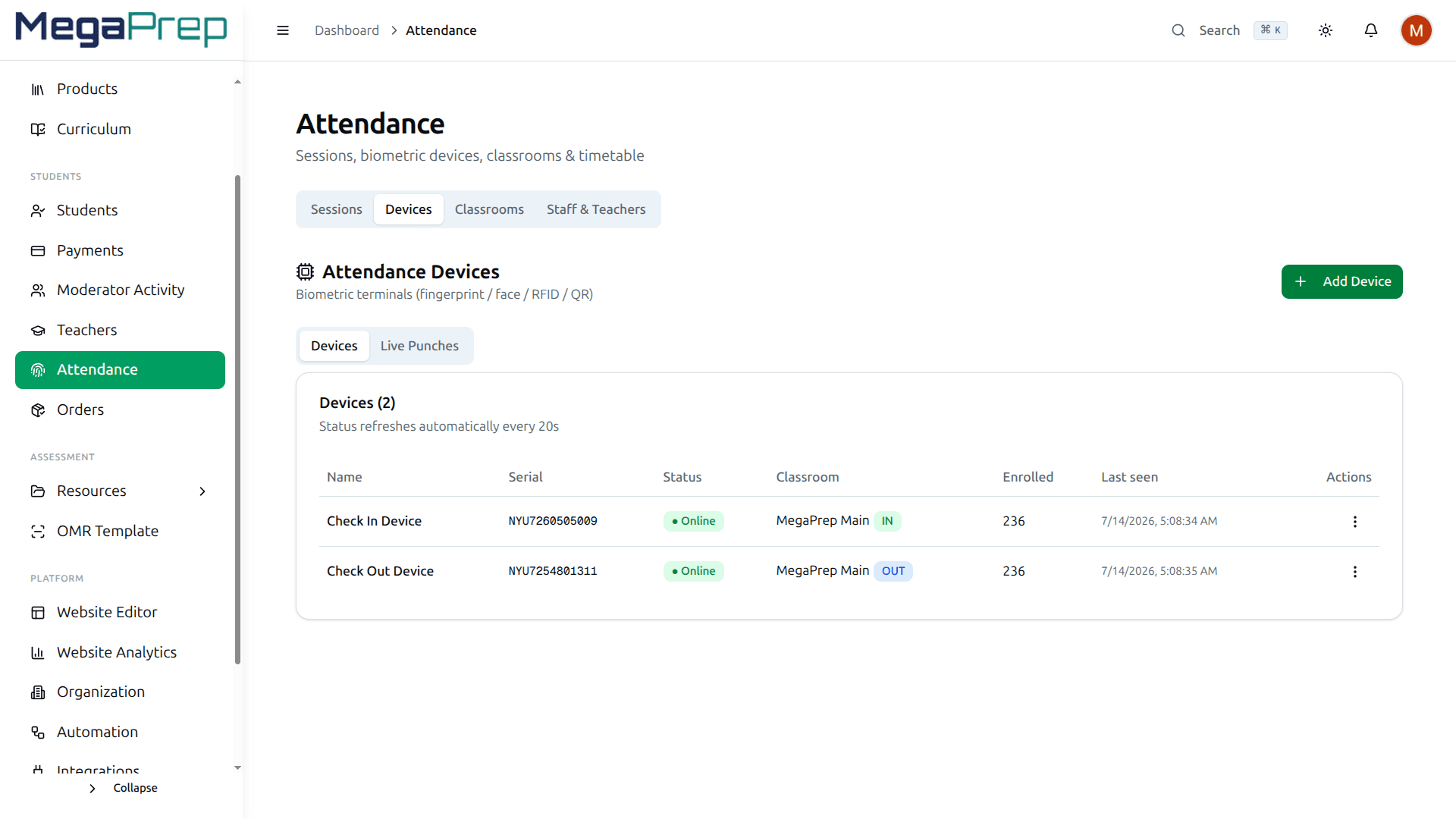
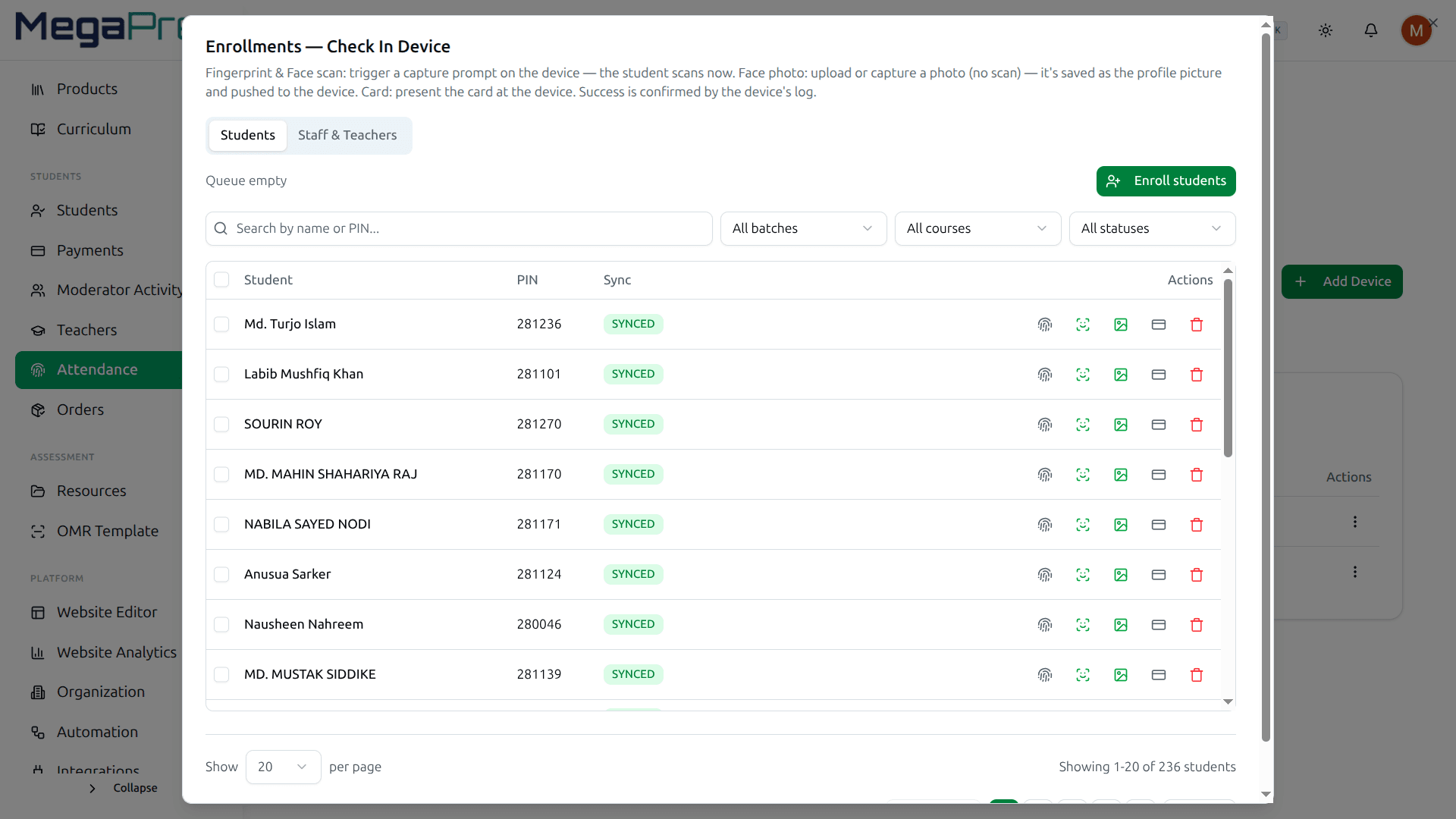
Enroll fingerprints once
A student’s ID on the device is their roll number, so enrolling on the device links straight to their record.
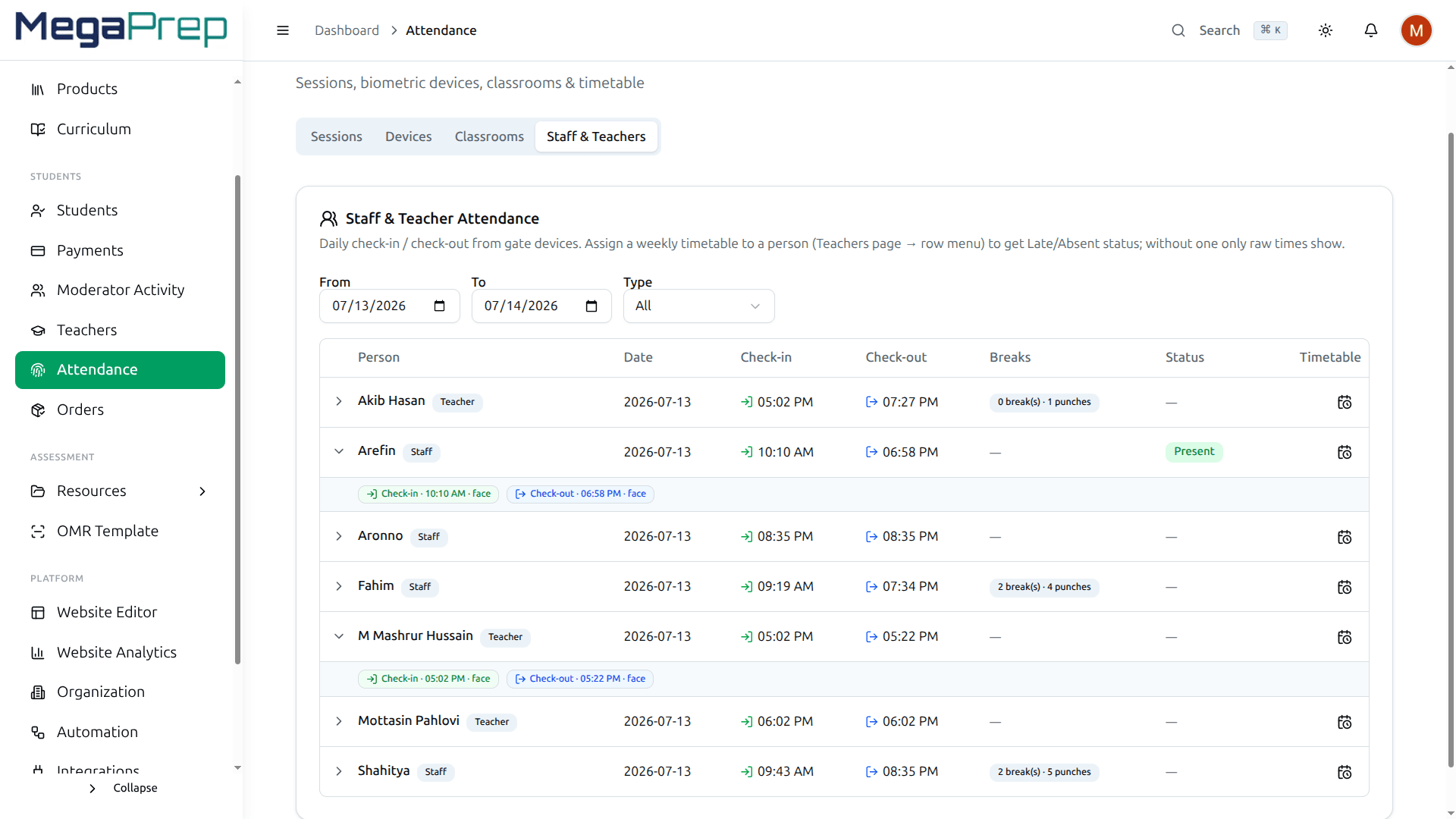
Teachers and staff too
Teachers and staff punch in on the same device and get their own attendance records.
SMS to guardians
Guardians of students who did not come get an SMS, in Bangla or English.
Session attendance without a device
Start an attendance session for a class and mark it by hand or by QR code. Pause or cancel a session if the class changes.
How to start
Connect your ZKTeco device in Course37
Enroll students and staff on the device with their roll or ID
Set your class times
Turn on absence SMS for guardians
What people ask us
Which devices work with Course37?
ZKTeco devices that support ADMS (cloud push). If you are unsure about your model, message us the model number before you buy.
Can a friend punch in for a student who is absent?
Not with fingerprint or face. Cards, passwords and QR codes can be shared, which is why most centers use fingerprints at the gate.
What if the internet goes down?
The device keeps the punches and sends them when the connection is back. Course37 ignores any punch it has already received.
Can I take attendance without a device?
Yes. Start a session for a class and mark attendance by hand or with a QR code.
One system, every part of the job
Try it with your own students.
Fourteen days free. Set it up yourself, or message us and we set it up with you.