How to Login
Access your Course37 admin dashboard with email/mobile and password or Google sign-in
How to Login to Course37
Access your admin dashboard by signing in with your credentials or Google account.
Step 1: Go to the Login Page
Visit course37.com/login or click Sign In in the navigation bar.
Step 2: Sign In
Choose one of the following methods:
Option A: Email/Mobile & Password
- Enter your Email or Mobile number
- Enter your Password
- Click Sign In
Option B: Sign in with Google
- Click Sign in with Google
- Select your Google account
- You'll be redirected to your dashboard
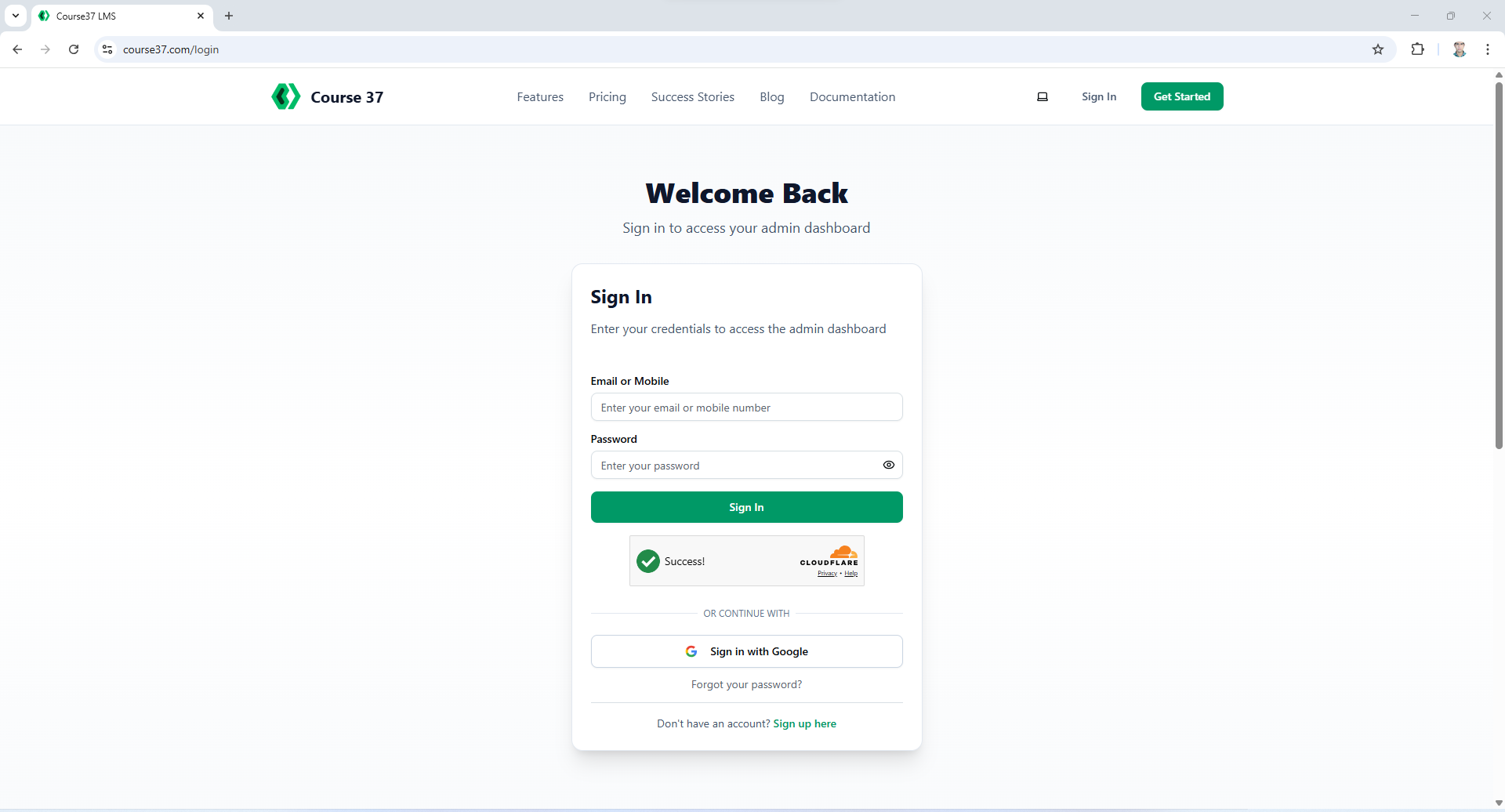
Other Options on Login Page
| Link | Description |
|---|---|
| Forgot your password? | Reset your password using OTP verification |
| Sign up here | Create a new account if you don't have one |
Forgot Your Password?
Click Forgot your password? on the login page to reset your password using email or mobile OTP.
👉 See How to Reset Password for the complete guide.
Don't Have an Account?
Click Sign up here at the bottom of the login page to create a new account.
👉 See How to Sign Up as an Admin for the complete guide.
Troubleshooting
| Issue | Solution |
|---|---|
| "Invalid credentials" error | Check your email/mobile and password. Passwords are case-sensitive |
| Google login not working | Allow popups for course37.com in your browser |
| Account locked | Wait 15 minutes after 5 failed attempts |
loginsign inaccessauthentication
More in Getting Started
How to Sign Up as an Admin in Course37
Create your Course37 account and set up your educational organization to get started
How to Reset Password
Reset your Course37 password using email or mobile OTP verification
How to Create an Organization
Learn about organization setup during the Course37 signup process
Organization Management
Configure your organization's basic info, domains, SEO, settings, branches, members, and view analytics