Organization Management
Configure your organization's basic info, domains, SEO, settings, branches, members, and view analytics
Organization Management
After creating your organization, you can configure various settings from the Organization Management section. This includes basic info, domains, SEO, general settings, branches, team members, and analytics.
Navigate to Settings → Organization to access these options.
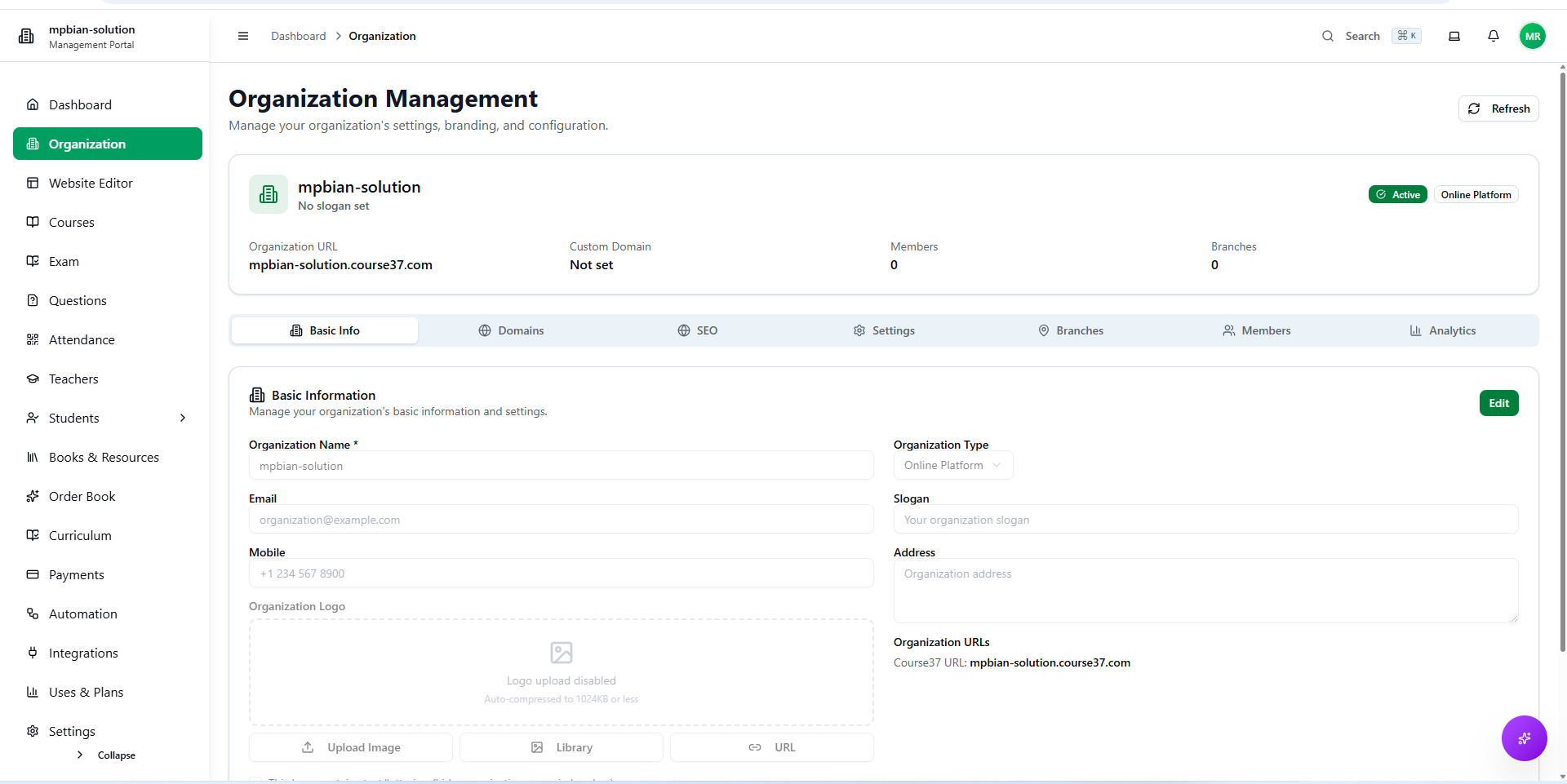
Basic Info
Set up your organization's core information:
| Field | Description |
|---|---|
| Organization Name | Your institution's display name |
| Logo | Upload your organization logo (recommended: 512×512 PNG) |
| Description | A brief description of your organization |
| Contact Email | Primary contact email address |
| Phone Number | Contact phone number |
| Address | Physical address (displayed on receipts, ID cards) |
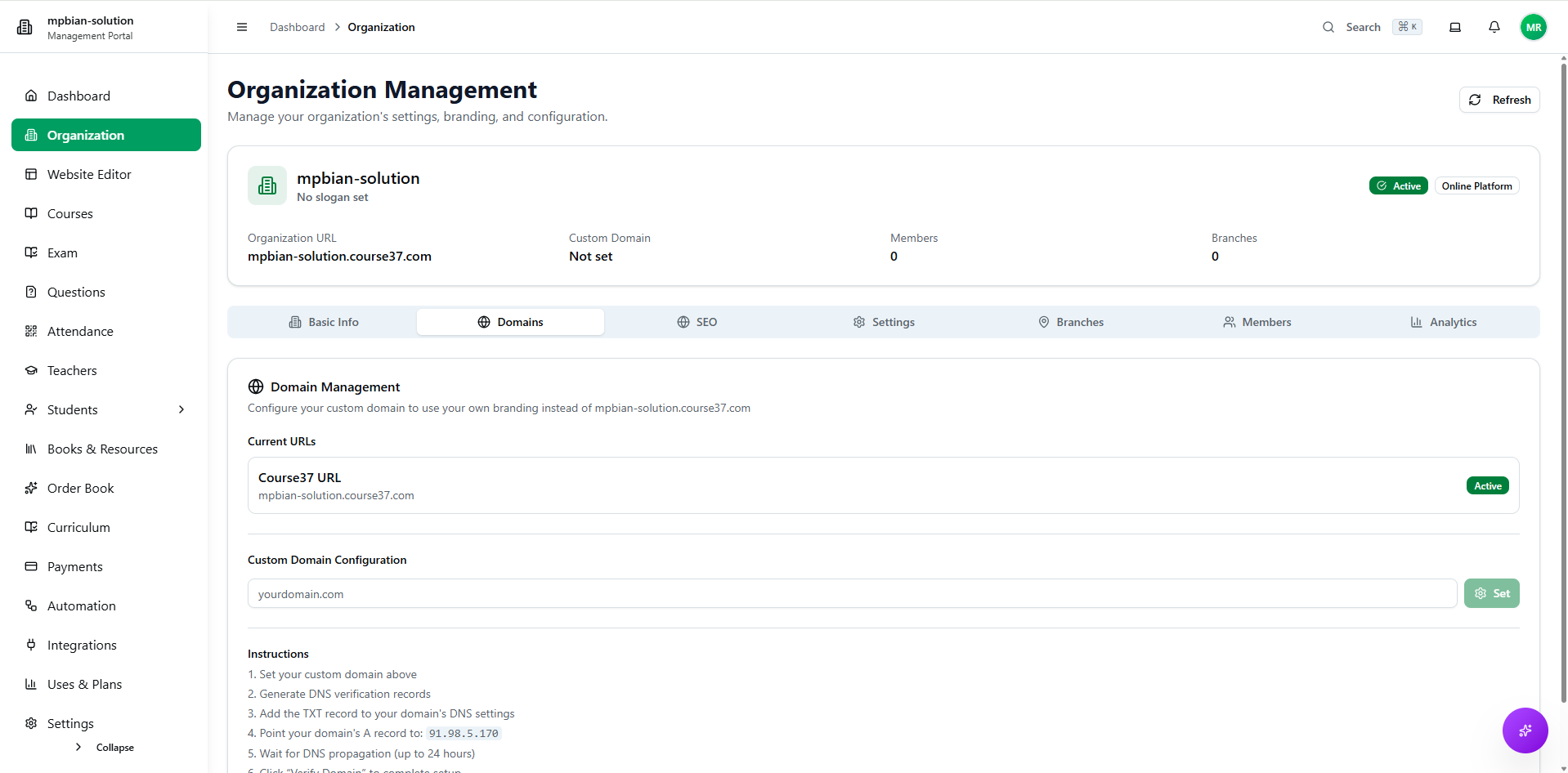
Domains
Configure your organization's web presence:
| Option | Description |
|---|---|
| Subdomain | Your free subdomain (e.g., yourname.course37.com) |
| Custom Domain | Connect your own domain (e.g., www.youracademy.com) |
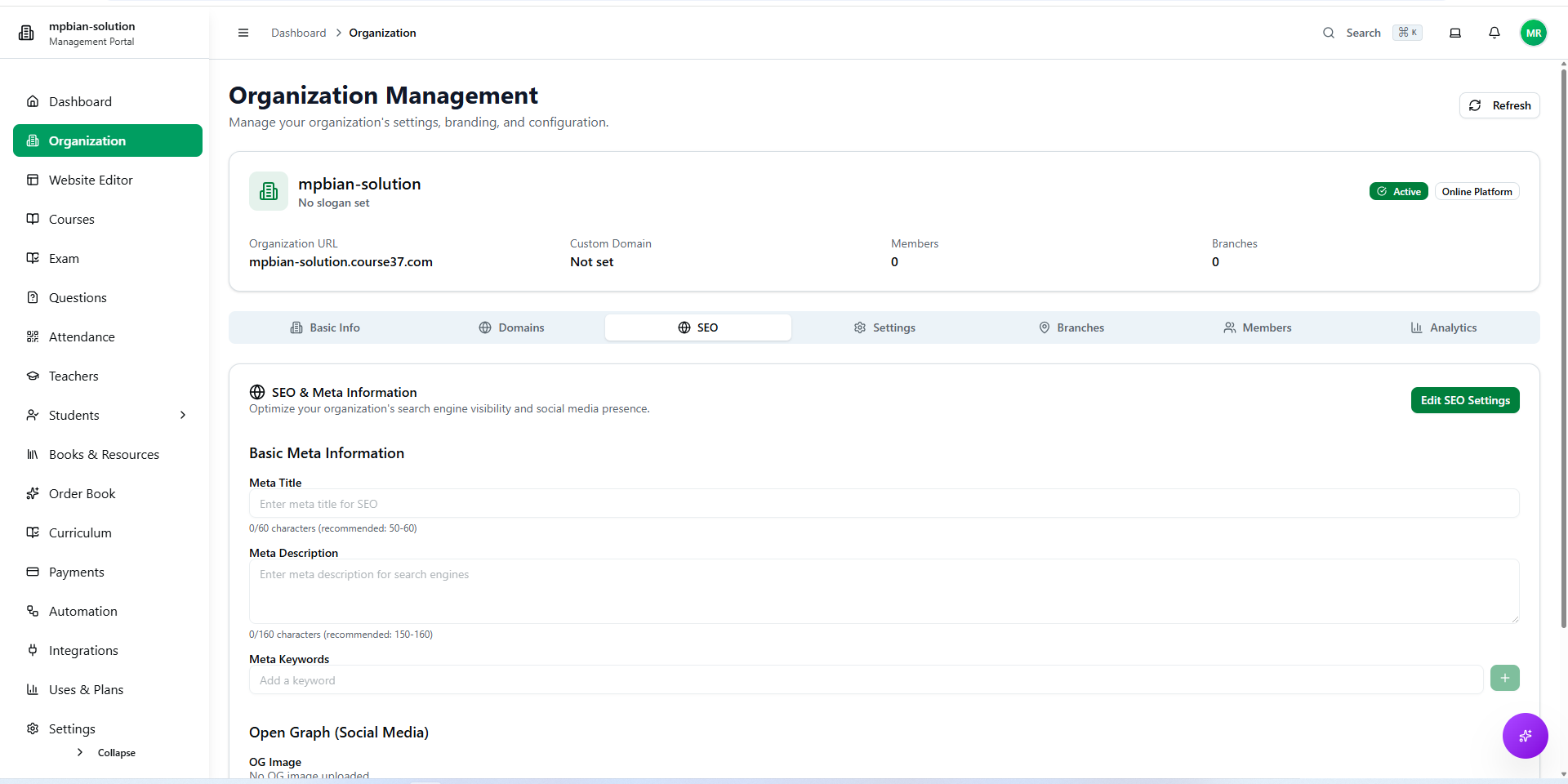
SEO
Optimize your organization for search engines:
| Field | Description |
|---|---|
| Meta Title | Title shown in search results (max 60 characters) |
| Meta Description | Description in search results (max 160 characters) |
| OG Image | Image displayed when shared on social media |
| Google Analytics ID | Track visitors with Google Analytics |
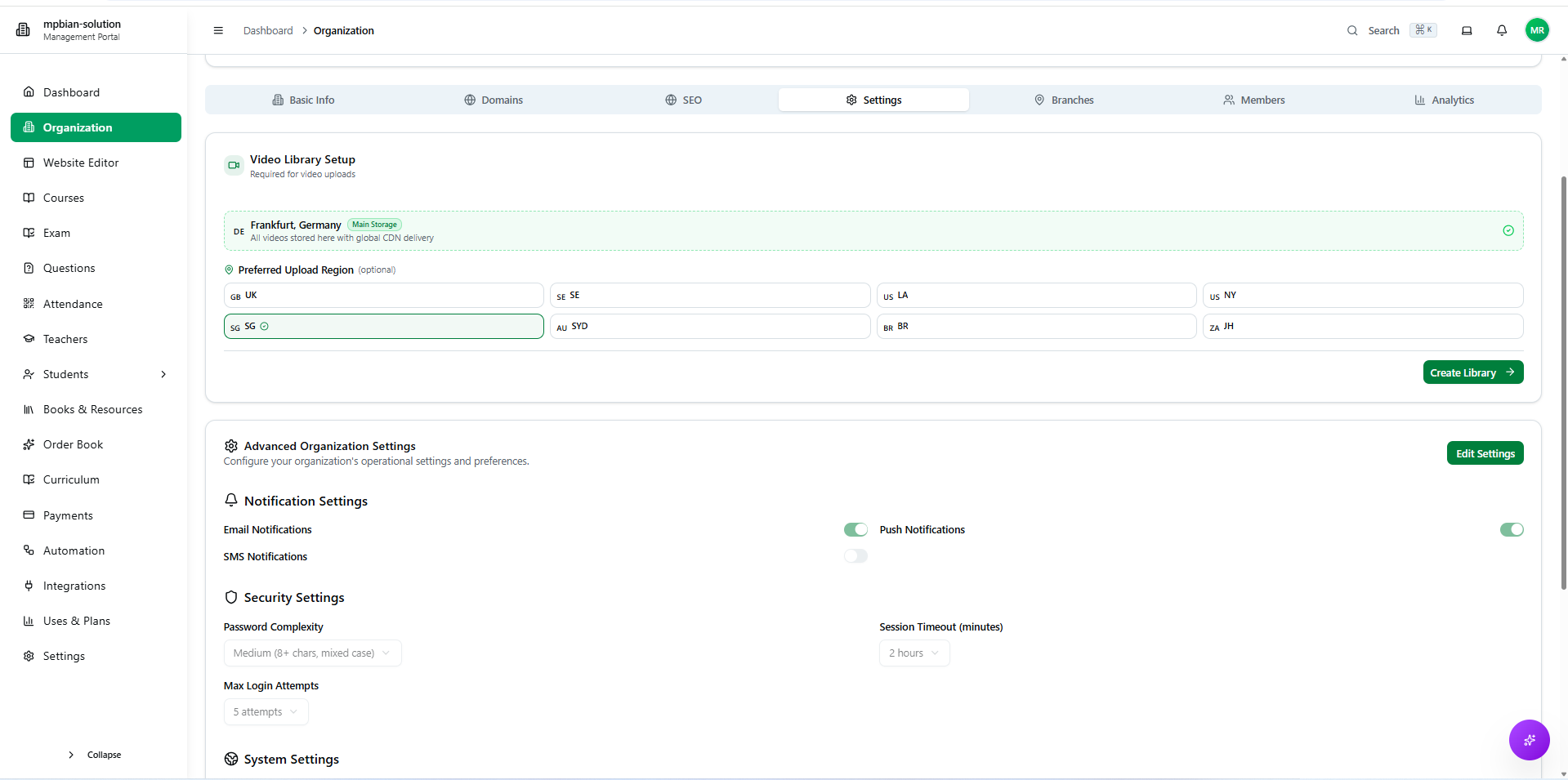
Settings
Configure general organization settings:
| Setting | Description |
|---|---|
| Timezone | Organization timezone for scheduling |
| Cloud Region | Content storage region (Mumbai, Singapore, Frankfurt, Virginia) |
| Currency | Default currency for payments |
| Language | Default language for the platform |
Branches
Manage multiple locations if your organization has branches:
- Add new branches with name, address, and contact info
- Assign staff to specific branches
- Track performance by branch
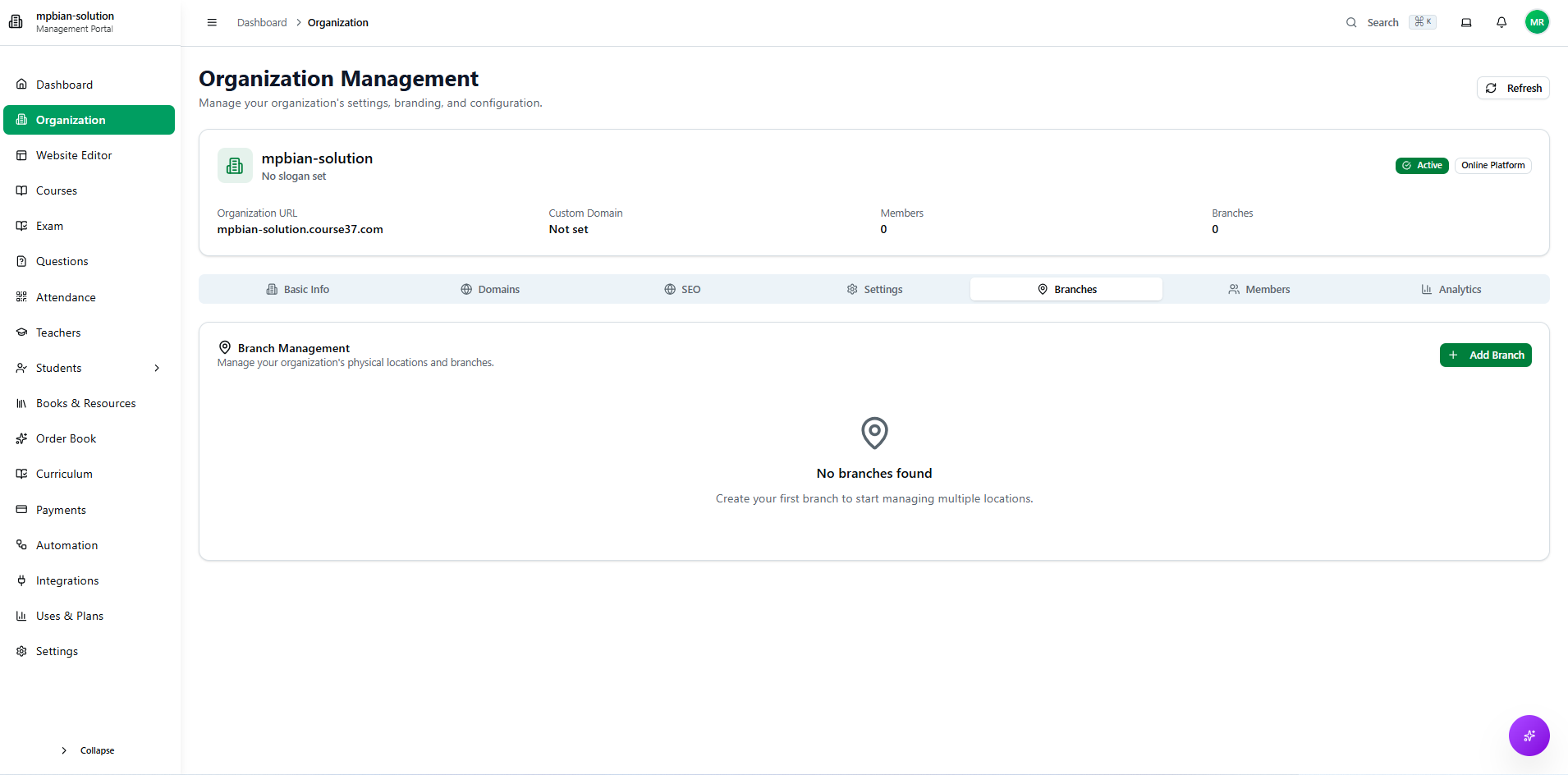
👉 See How to Add a Branch for detailed instructions.
Members
Manage your organization's team members:
| Role | Permissions |
|---|---|
| Owner | Full access to all features |
| Admin | Manage courses, students, payments |
| Teacher | Create content, manage assigned courses |
| Staff | Limited access based on permissions |
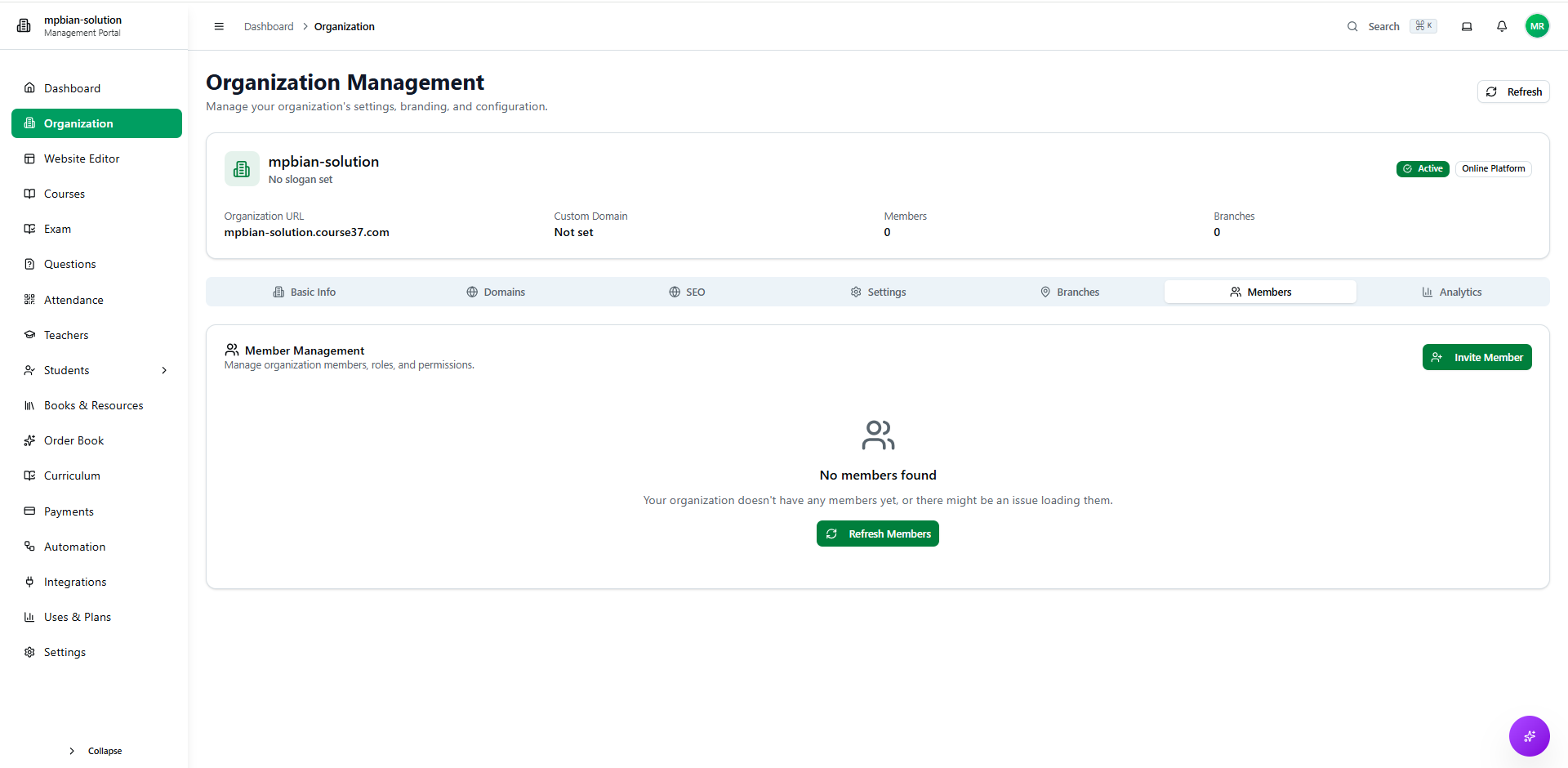
👉 See How to Invite Users and How to Manage Permissions for more details.
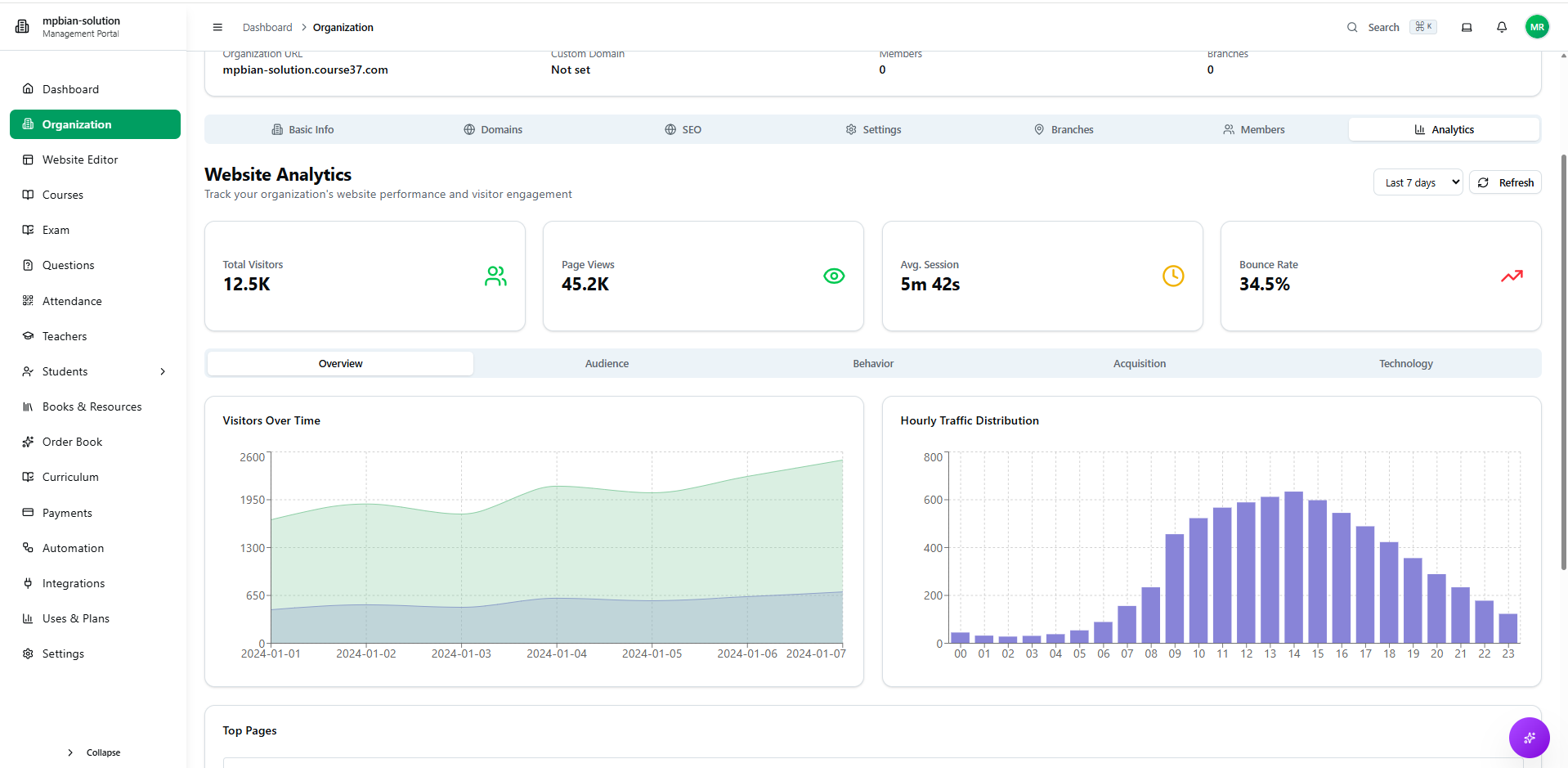
Analysis
View organization analytics and insights:
| Metric | Description |
|---|---|
| Total Students | Number of enrolled students |
| Active Courses | Currently running courses |
| Revenue | Payment and earnings overview |
| Engagement | Student activity and course completion rates |